


Build powerful workflows visually—no technical skills needed.

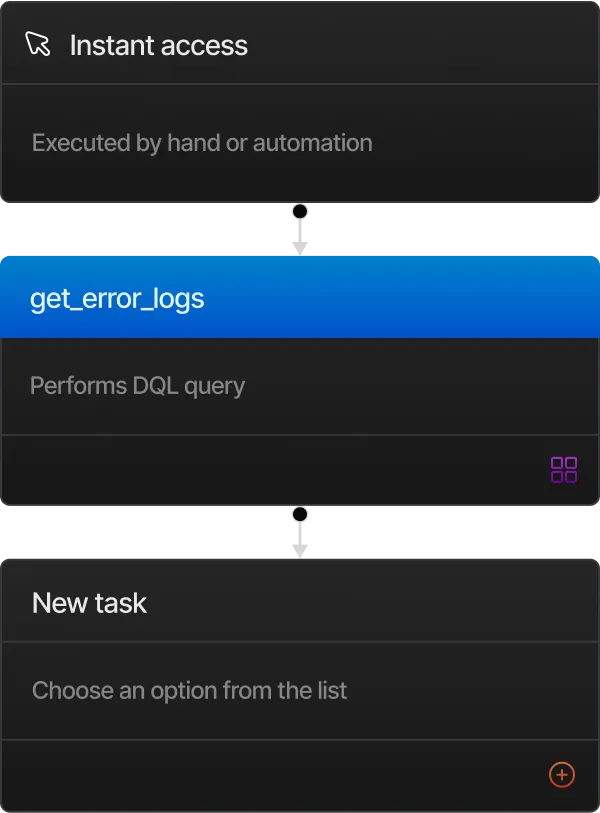
Make changes on the fly and see your workflow update instantly.

Automate processes in minutes with a clean, user-friendly interface.

Easily connect hundreds of apps and services in one flow.

Built-in validations ensure your workflows run smoothly every time.

Manage and monitor workflows on the go with mobile-friendly tools.

Add conditional logic, delays, and branches with ease for custom flows.

Invite your team to build, edit, and manage workflows together.

Automatically collect and store data from every automation into smart, searchable tables.


.webp)
.webp)
.webp)

Great for individuals and small teams starting out, exploring features, and building workflows.


Best for teams who want unlimited workflows, deeper integrations, and real-time insights.
A SaaS template is a pre-designed layout that helps you quickly launch a software-as-a-service website with ready UI components, sections, and responsive design built in.
Using a SaaS template saves you time, ensures consistent UI/UX, and allows you to launch faster without needing to design everything from scratch.
Yes. You can change colors, fonts, images, content, layout blocks, and branding elements to match your SaaS identity.
Absolutely. The template supports integrations with tools like Stripe, Zapier, HubSpot, and other SaaS plugins through simple embed codes or API setups.
Yes. Every layout is optimized for mobile, tablet, and desktop to ensure a seamless experience across all screens.
Yes. You can use built-in transitions or add custom animations through Webflow, GSAP, Lottie, or other libraries.
Yes. You can edit text, images, pricing, features, or entire sections anytime without affecting the core design or functionality.
Yes. The template is built with clean code, proper headings, meta tags, and optimized layouts to help your SaaS website rank better on search engines.
Automate your workflow with AI logic, real-time syncing, and smart integrations, saving your team hours every week.


